User Profiling.
As a product designer at trivago, I improved the survey experience that captures travellers’ preferences to personalise hotel search—from completing the survey to reviewing and updating answers later.
A clear ending to the survey
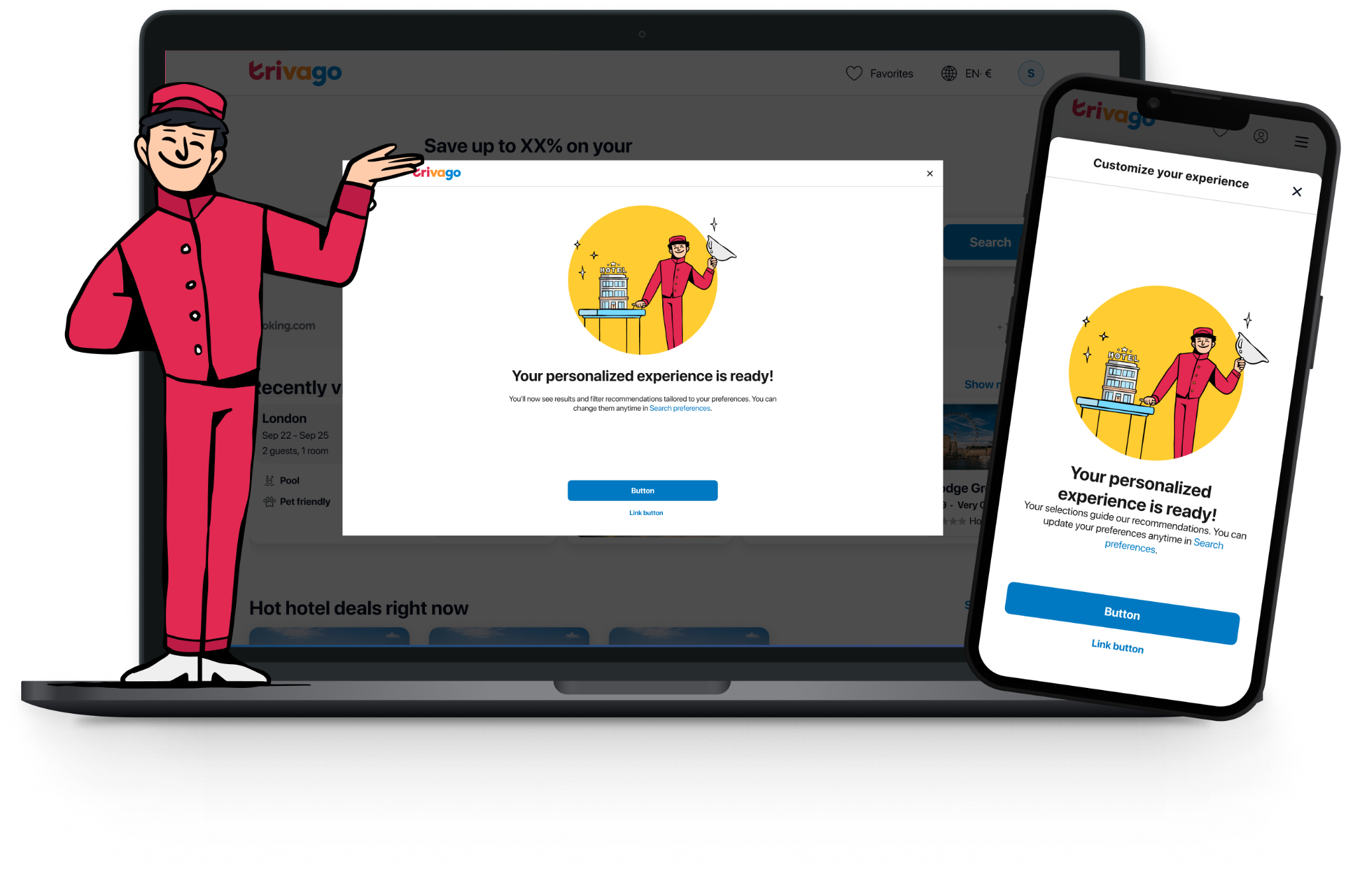
Data showed drop-off at the final question, but the cause was unclear. To clarify the final step, I changed ‘Finish’ to ‘Next’ and added a thank-you screen confirming submission and explaining how preferences shape results. Reusing the existing modal kept implementation lightweight. The A/B test was accepted and rolled out to all traffic.
More questions. Less scrolling.
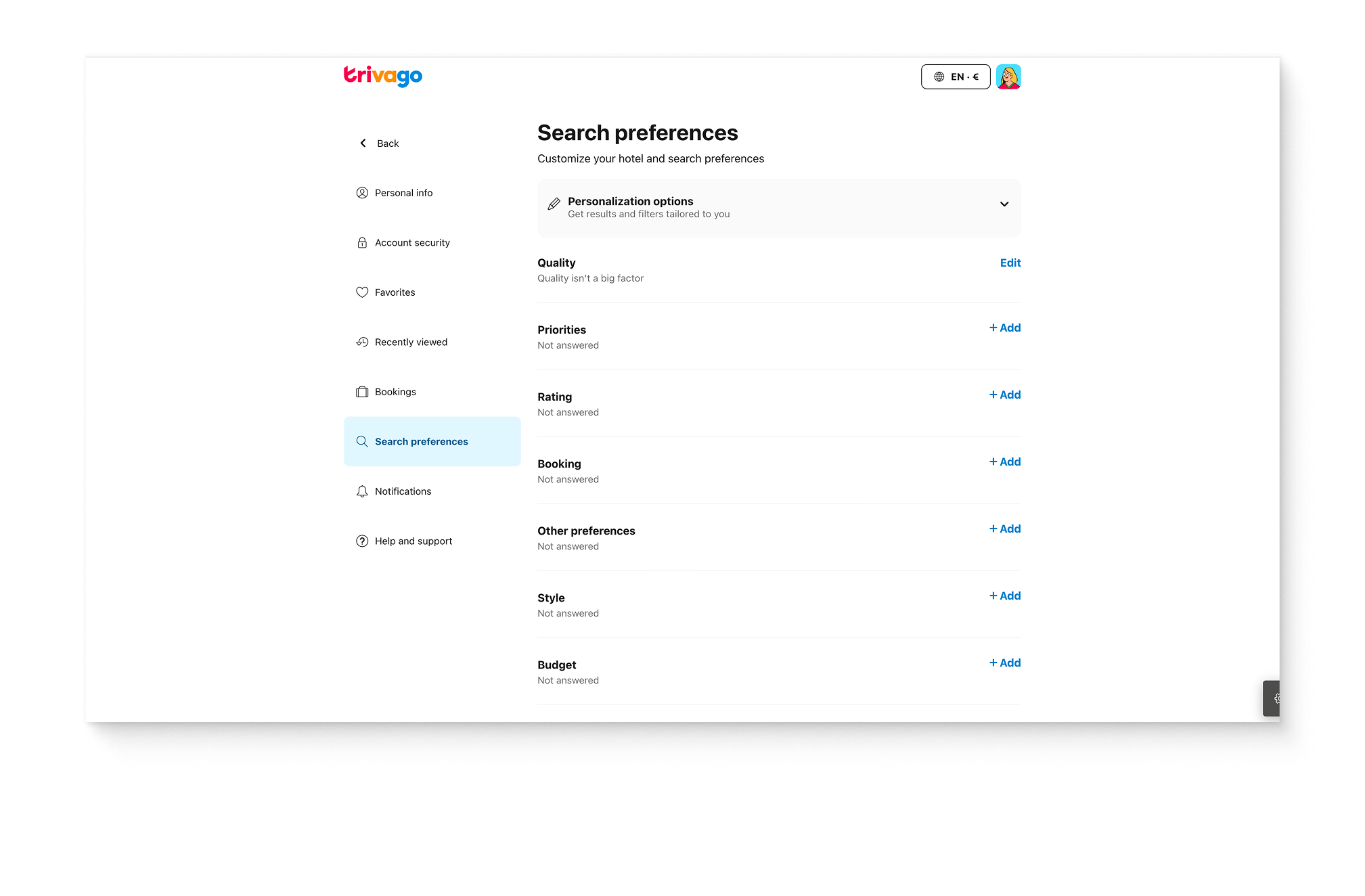
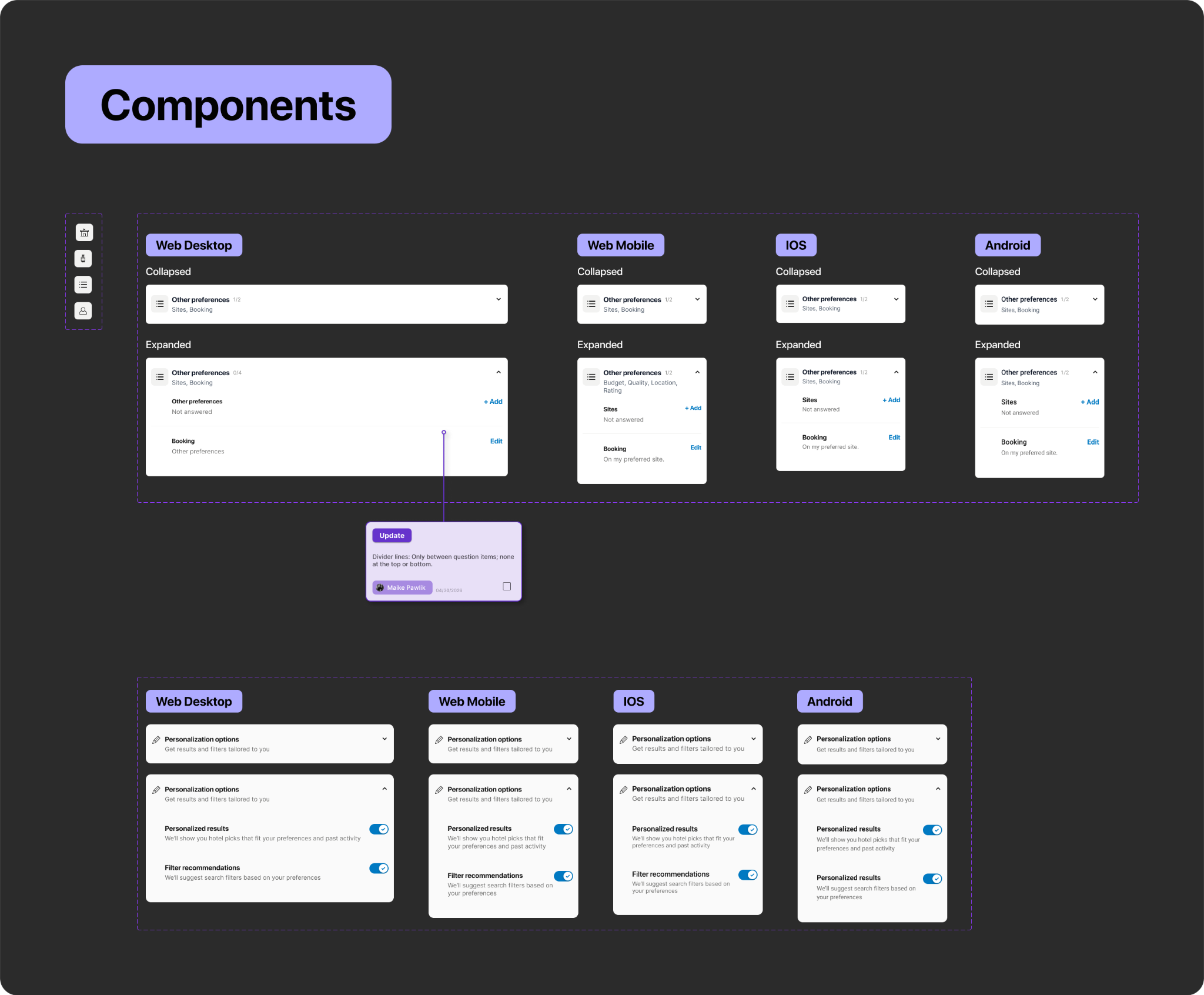
A flat list of 10+ questions was hard to scan and would keep growing. I organised questions into icon-led accordion categories, making preferences easier to review and leaving room for future questions.
An invitation to share more
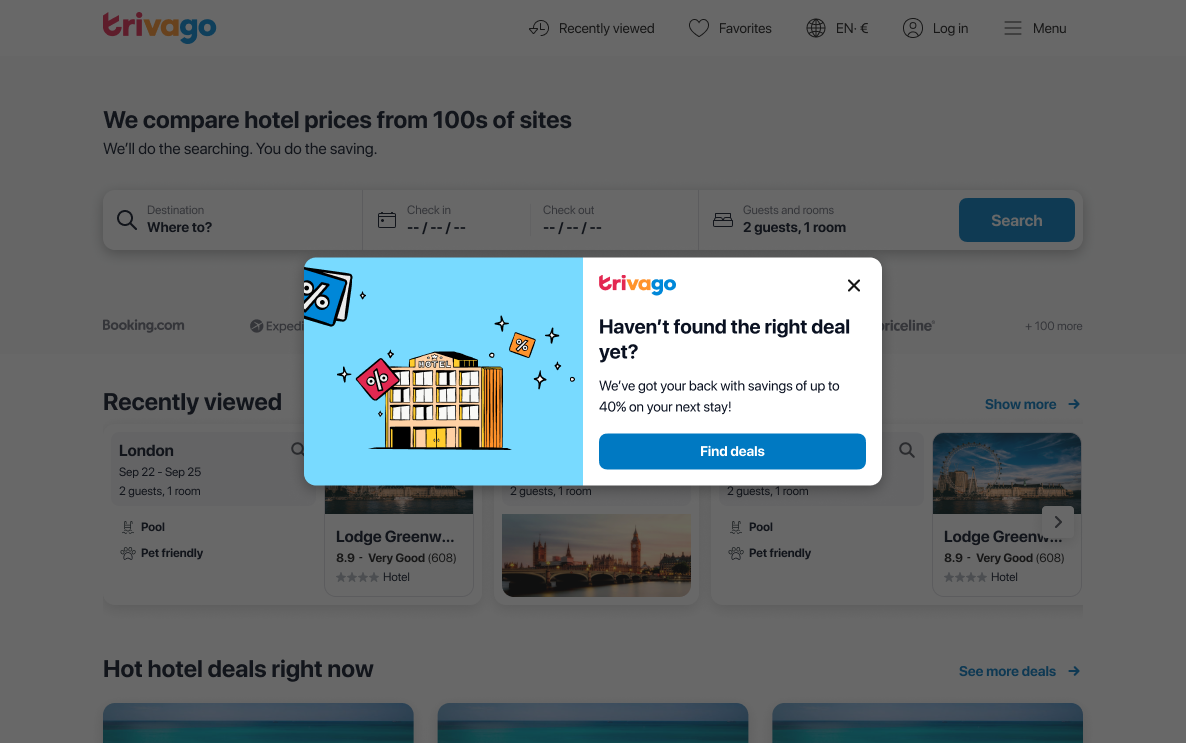
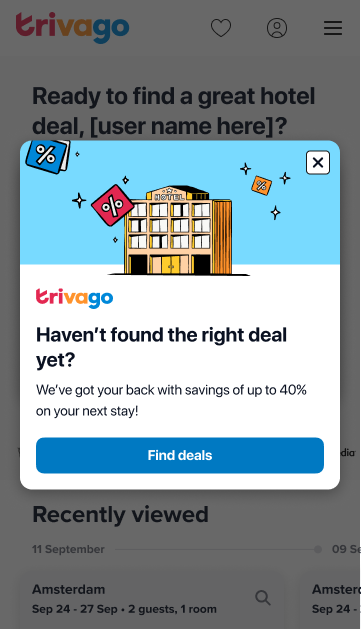
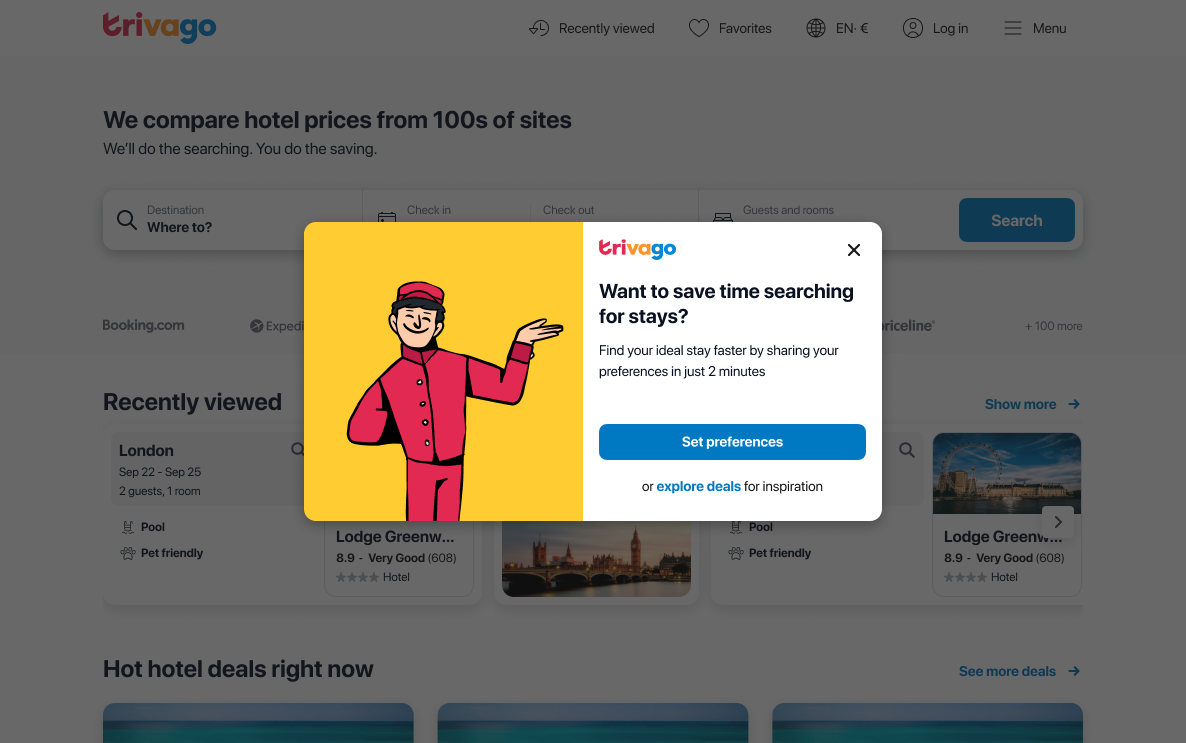
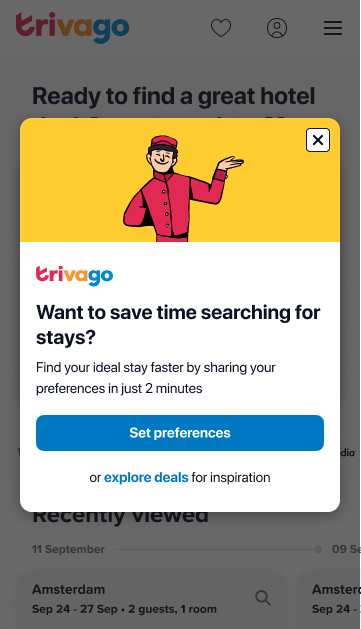
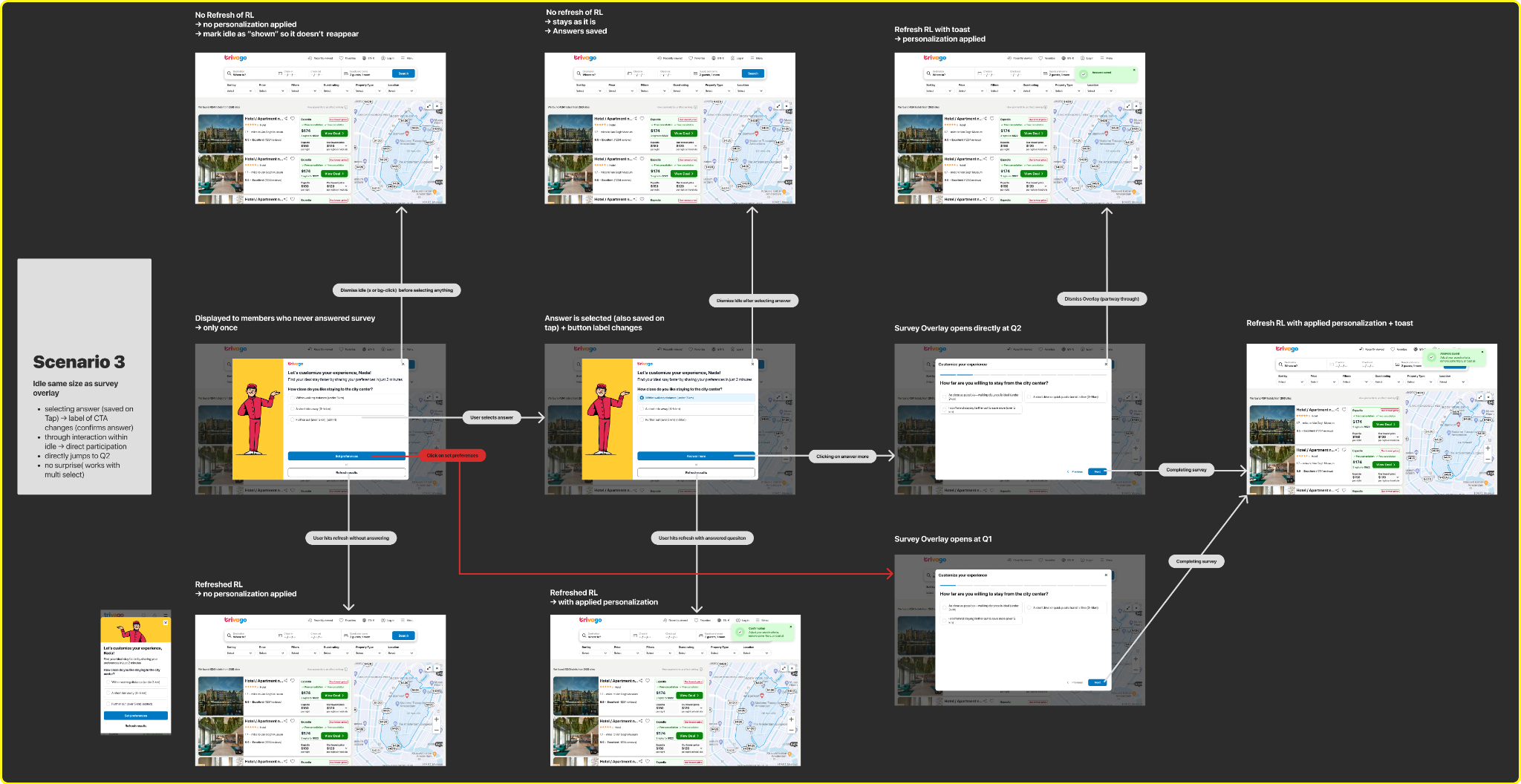
I explored replacing the existing deal prompt with an invitation to set preferences, while keeping a way to browse deals. The flow also explored asking a question directly, to test a stronger participation signal. Desktop and mobile share the same intent. Testing had not shipped when my internship ended.